728x90
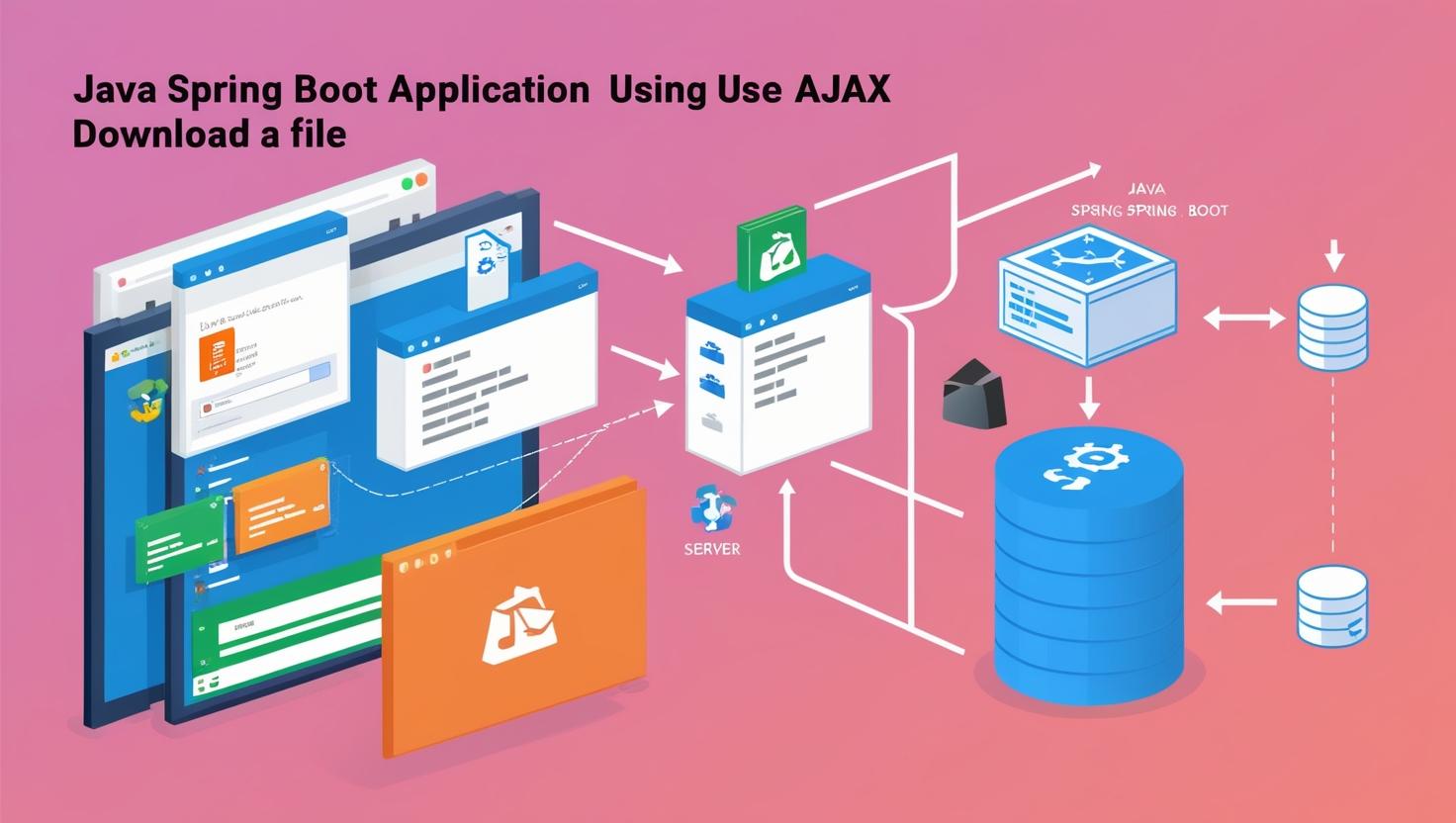
jQuery를 사용하여 POST 방식으로 파일 다운로드하는 방법을 설명해 드리겠습니다.
일반적인 AJAX 요청과 다르게, 파일 다운로드 시 브라우저에서 자동으로 다운로드되도록 처리해야 합니다.
📝 구현 순서
- Spring Boot에서 파일 제공 API 구현 (POST 방식)
- jQuery AJAX 요청을 통해 파일 다운로드 요청
- JavaScript에서 Blob을 활용하여 파일 다운로드 처리
1️⃣ Spring Boot 컨트롤러 작성 (POST 방식 지원)
@RestController
public class FileDownloadController {

    @PostMapping("/file/download")
    public ResponseEntity<Resource> downloadFile(@RequestBody Map<String, String> request) throws IOException {
        String filename = request.get("filename"); // JSON 데이터에서 파일명 추출
        if (filename == null || filename.isEmpty()) {
            return ResponseEntity.badRequest().build();
        }

        // 파일 경로 설정 (예제: /files/upload/)
        Path filePath = Paths.get("/file/upload/").resolve(filename).normalize();
        Resource resource = new UrlResource(filePath.toUri());

        if (!resource.exists()) {
            return ResponseEntity.notFound().build();
        }

        String contentType = Files.probeContentType(filePath);
        if (contentType == null) {
            contentType = "application/octet-stream";
        }

        return ResponseEntity.ok()
                .contentType(MediaType.parseMediaType(contentType))
                .header(HttpHeaders.CONTENT_DISPOSITION, "attachment; filename=\"" + filename + "\"")
                .body(resource);
    }
}
2️⃣ jQuery로 파일 다운로드 요청 (POST 방식)
jQuery의 $.ajax를 활용하여 파일을 다운로드하는 코드입니다.
function downloadFile(filename) {
    $.ajax({
        url: "/file/download",
        type: "POST",
        data: JSON.stringify({ filename: filename }), // JSON 데이터 전송
        contentType: "application/json", // JSON 형식으로 전송
        xhrFields: {
            responseType: "blob"  // Blob 데이터로 응답 받기
        },
        success: function (data, status, xhr) {
            var blob = new Blob([data], { type: xhr.getResponseHeader("Content-Type") });
            var link = document.createElement("a");
            link.href = window.URL.createObjectURL(blob);
            link.download = filename;
            document.body.appendChild(link);
            link.click();
            document.body.removeChild(link);
        },
        error: function (xhr, status, error) {
            console.error("파일 다운로드 오류:", error);
        }
    });
}
3️⃣ HTML에서 버튼 클릭 시 파일 다운로드
<button onclick="downloadFile('sample.pdf')">파일 다운로드</button>
📌 설명
- Spring Boot 컨트롤러에서 POST 요청을 받아 파일을 ResponseEntity<Resource>로 반환
- jQuery AJAX 요청을 POST 방식으로 보냄 (filename을 JSON 형식으로 전달)
- Blob 객체를 생성하여 a 태그를 동적으로 추가 후 클릭 이벤트 발생시켜 다운로드 실행
🎯 POST 방식이 필요한 이유?
- GET 방식은 파일명을 URL 파라미터로 보내기 때문에, 파일명이 노출될 가능성이 있음
- POST 방식은 JSON 데이터로 파일명을 안전하게 전송할 수 있음
- 보안이 중요한 경우, 토큰 인증 등을 추가하여 더 안전하게 처리 가능
이 방식으로 POST 요청을 사용하여 안전하게 파일을 다운로드할 수 있습니다.
728x90
'개발 > Spring' 카테고리의 다른 글
| @Async 어노테이션 사용 - 비동기 메서드 실행 (0) | 2025.02.18 |
|---|---|
| @ControllerAdvice와 @ExceptionHandler를 사용한 글로벌 예외 처리 (0) | 2025.02.17 |
| Spring Boot & Maven Scope (compile, provided, runtime 등 차이점) (0) | 2025.02.13 |
| Spring Boot에서 파일 업로드 구현하기(Ajax File upload) (0) | 2025.02.13 |
| Spring Boot에서 파일 업로드 구현하기 (유니크한 파일명 저장 및 확장자 제한) (0) | 2025.02.13 |